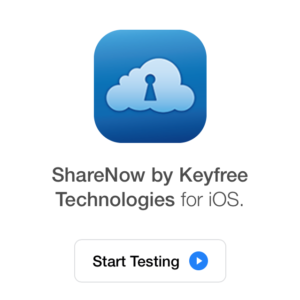
1. Click “Start Testing” in the email invitation that you receive
2. Follow the instructions as outlined to continue with the app download
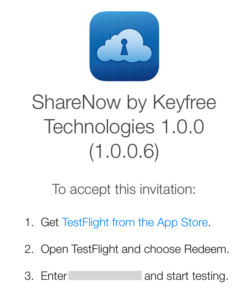
3. After you redeem, ShareNow with automatically download
1. Create an account at mykeyfree.com
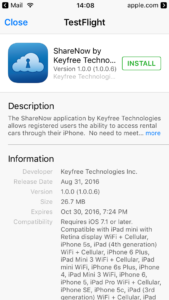
2. Download the ShareNow Beta App from TestFlight
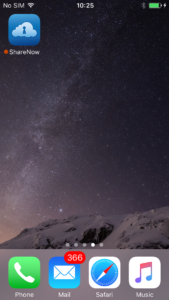
3. From the Homescreen, open the “ShareNow” app
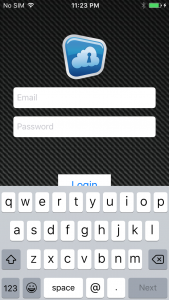
4. Login using the account you’ve created
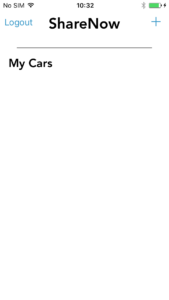
5. Click “+” to create a new car
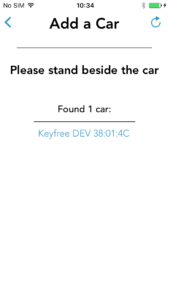
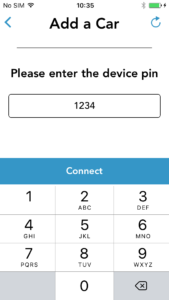
6. Select the Keyfree device from the list below
7. Enter 1234 as the PIN when prompted
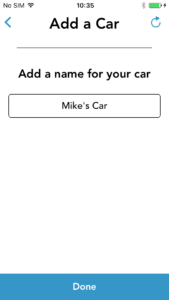
8. Enter a name for your car when prompted
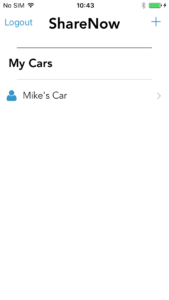
9. Your car will now show up listed below
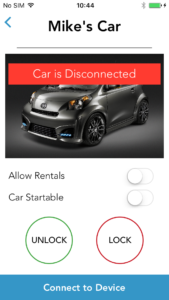
10. Selecting your car will allow you to test lock/unlock. Toggling “Car Startable” will toggle the starter kill
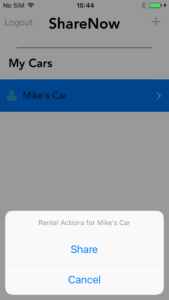
1. From the main screen, hold your finger on the car you want to share
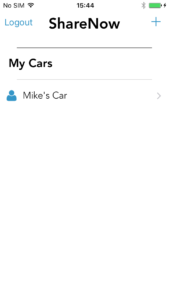
2. Click ‘Share’
3. Enter the email address or the mobile number for the user you wish to share with
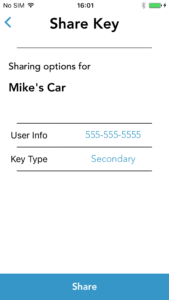
4. Click ‘Share’ and you’re done! The user will be notified that a key has been shared with them
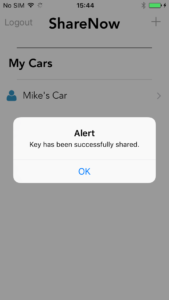
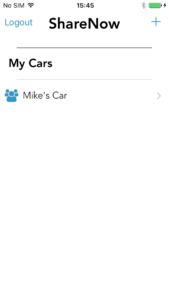
1. Open the ShareNow application. Your rented car will show up.
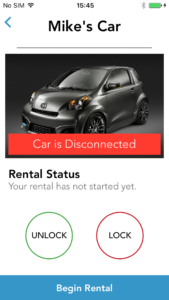
2. Click on your rental car
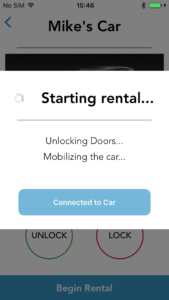
3. Click ‘Begin Rental’
4. The rental car’s doors will unlock
5. When you are done with the rental, click ‘End Rental’
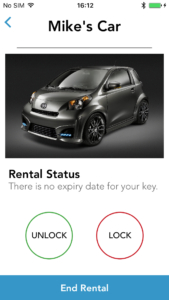
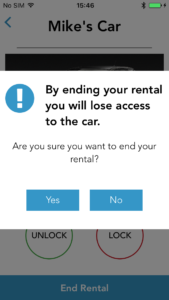
6. Confirm you want to end your rental
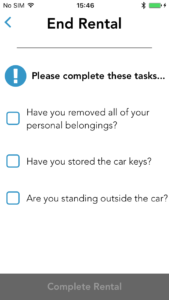
7. Complete the reminder tasks
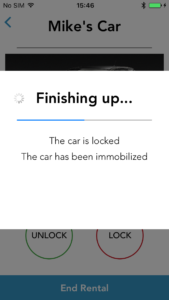
8. The rental car’s doors will lock